



Hero Teaser Module
The Hero Teaser Module is presented below, on different layouts:
top
bottom
left
right
full-width
Note: The button target could be an interal page (same tab) or an external link (new browser tab "_blank"). For this Demo we are using the "home" internal page.
Hero Teaser Module - Top Layout
Hero Teaser Module - Bottom Layout

Hero Teaser Module - Left Layout
Hero Teaser Module - Right Layout
Hero Teaser Module full-width Layout


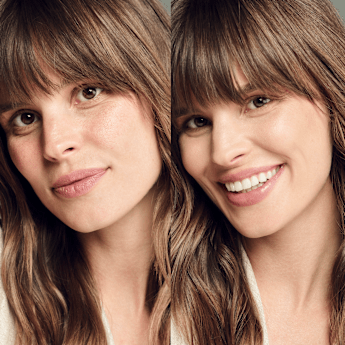
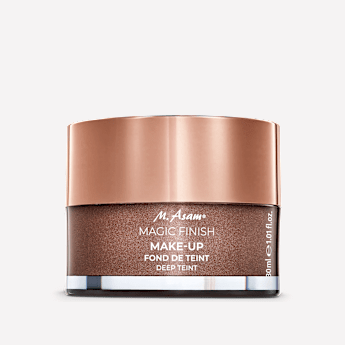
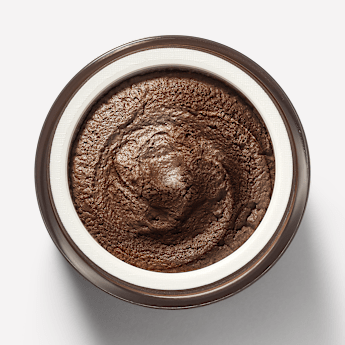
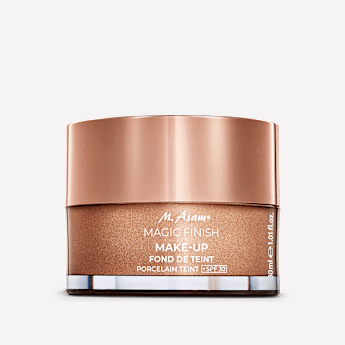
Product Slider Module
The Prioduct Slider Module is presented below, on different linked products to be shown:
Linked Category
Linked Products
Note: The Product Slider layout "Routine" can not be shown here as a PDP with cross-sellig products is needed.
Product Slider Module - Linked category
Product Slider Title
Product Slider Description
Lorem ipsum dolor sit amet, consectetur adipiscing elit. Integer gravida eget diam a ultricies. Nam eget facilisis diam. Integer egestas gravida purus, at lacinia lacus porta ac. Maecenas id consequat metus, sit amet ultricies metus. Mauris vehicula eleifend arcu quis sollicitudin. Nullam a urna commodo, volutpat nibh non, pharetra lacus. Ut fringilla quam at leo condimentum aliquet. In nec orci dui. Sed feugiat tortor vel elit congue vehicula. Curabitur vitae bibendum tellus.


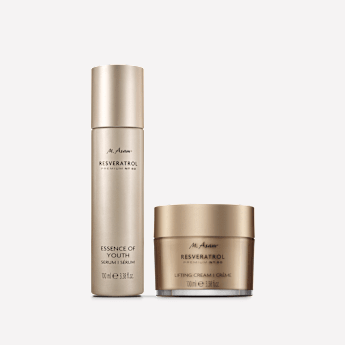

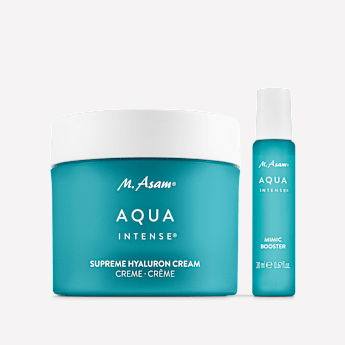

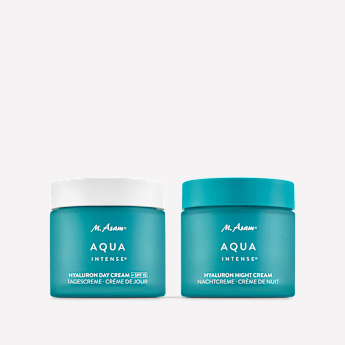

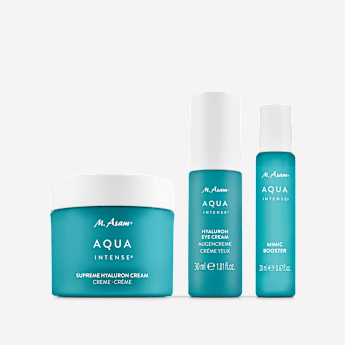


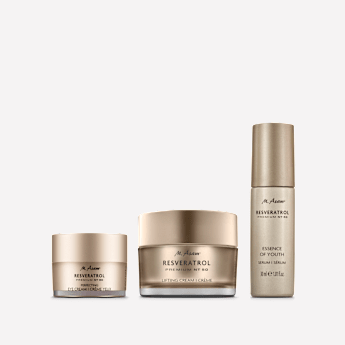
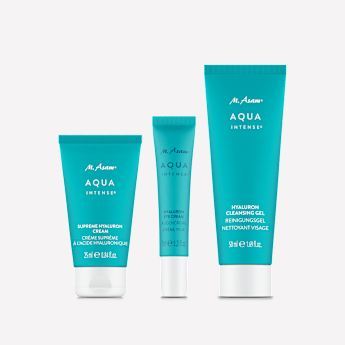

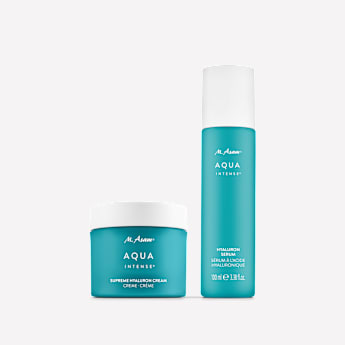
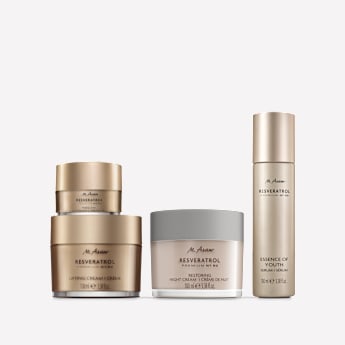




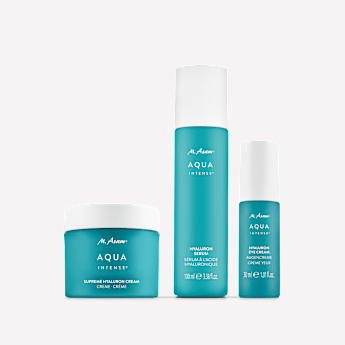


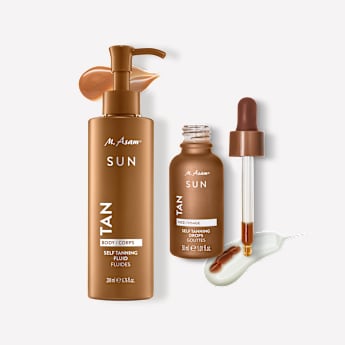
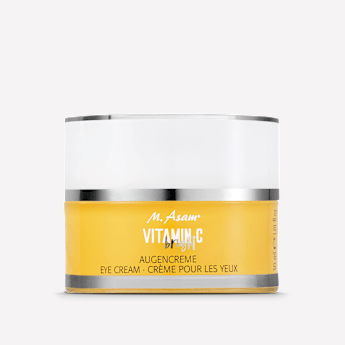
Product Slider Module - Linked products
Product Slider Title
Product Slider Description
Lorem ipsum dolor sit amet, consectetur adipiscing elit. Integer gravida eget diam a ultricies. Nam eget facilisis diam. Integer egestas gravida purus, at lacinia lacus porta ac. Maecenas id consequat metus, sit amet ultricies metus. Mauris vehicula eleifend arcu quis sollicitudin. Nullam a urna commodo, volutpat nibh non, pharetra lacus. Ut fringilla quam at leo condimentum aliquet. In nec orci dui. Sed feugiat tortor vel elit congue vehicula. Curabitur vitae bibendum tellus.








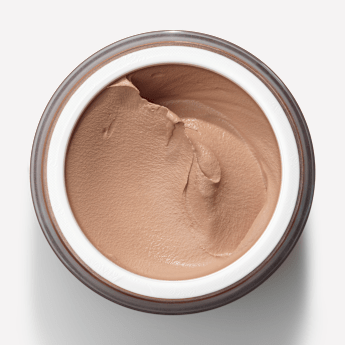
Media Text Teaser Module
The Media Text Teaser Module presented below, on different layouts:
default (not any chosen layout)
fullwidth
404
quesitonsBox --> Used for FAQ Pages
Note: The button target could be an interal page (same tab) or an external link (new browser tab "_blank"). For this Demo we are using the "home" internal page.
Media Text Teaser Module -default Layout
Media Text Teaser Module -fulwidth Layout
Media Text Teaser Module -404 Layout
Media Text Teaser Module -questionsBox Layout
Module Slider Module
The Module Slider Module is presented below, on different layouts:
Fullwidth --> Works with Media Texrt Teaser Module
Slider --> Works with Media Texrt Teaser Module
Cards --> Works with Media Texrt Teaser Module
Logo Slider --> Works with Media Texrt Teaser Module
Product Line Slider --> Works with Media Texrt Teaser Module
Brand Slider --> Works with Brand-Line Teaser Module
Note: The button target on Brand Slider (Brand-Line Teaser Module) will be leaded to a page. (Landing Page / Product Page / Category Page / Promotion Page / Magazine Page)
Module Slider Module - Fullwidth Layout
Module Slider Module Title
Module Slider Module Text
Lorem ipsum dolor sit amet, consectetur adipiscing elit. Fusce leo velit, sodales sit amet ipsum ut, rhoncus varius mi. Integer ut ligula vitae ipsum vehicula ultrices. Morbi eu purus felis. Donec a orci dapibus, mattis augue a, varius sem. Praesent at mollis erat.
Module Slider Module - Slider Layout
Module Slider Module Title
Module Slider Module Text
Lorem ipsum dolor sit amet, consectetur adipiscing elit. Fusce leo velit, sodales sit amet ipsum ut, rhoncus varius mi. Integer ut ligula vitae ipsum vehicula ultrices. Morbi eu purus felis. Donec a orci dapibus, mattis augue a, varius sem. Praesent at mollis erat.
Module Slider Module - Cards Layout
Module Slider Module Title
Module Slider Module Text
Lorem ipsum dolor sit amet, consectetur adipiscing elit. Fusce leo velit, sodales sit amet ipsum ut, rhoncus varius mi. Integer ut ligula vitae ipsum vehicula ultrices. Morbi eu purus felis. Donec a orci dapibus, mattis augue a, varius sem. Praesent at mollis erat.
Media Text Teaser Module Text
Media Text Teaser Module Text
Media Text Teaser Module Text
Media Text Teaser Module Text
Module Slider Module - Logo Slider Layout
Module Slider Module Text
Lorem ipsum dolor sit amet, consectetur adipiscing elit. Fusce leo velit, sodales sit amet ipsum ut, rhoncus varius mi. Integer ut ligula vitae ipsum vehicula ultrices. Morbi eu purus felis. Donec a orci dapibus, mattis augue a, varius sem. Praesent at mollis erat.
Module Slider Module Title
Module Slider Module - Product Line Slider Layout
Module Slider Module Title
Module Slider Module Text
Lorem ipsum dolor sit amet, consectetur adipiscing elit. Fusce leo velit, sodales sit amet ipsum ut, rhoncus varius mi. Integer ut ligula vitae ipsum vehicula ultrices. Morbi eu purus felis. Donec a orci dapibus, mattis augue a, varius sem. Praesent at mollis erat.
Module Slider Module - Brand Slider Layout


Columns Module
The Columns Module is presented below, on different layouts:
one
two
three
four
autofill-Three (used for FAQ Pages)
autofill-Six (used for FAQ Pages)
Note: The columns module can be combined with the modules below:
Media Text Teaser
Image Teaser
List --> Mostly for FAQ Pages
Plugin --> Mostly for Contact Form
For this Demo, the Media Text Teaser Module is used.
Please also note that there is the possibility to add a distance between the columns (more than one) by selecting the gap value:
8
16
24
32
40
Columns Module - one Layout
Columns Module - two Layout
Columns Module - three Layout
Columns Module Headline
Columns Module - four Layout
Columns Module Headline
Columns Module - autofill-Three Layout
Columns Module Headline
Columns Module - autofill-Six Layout
Columns Module Headline
Large Category Teaser
The Large Category Teaser Module is presented below, on different layouts:
left
right
Large Category Teaser Module - left Layout

Large Category Teaser Module - right Layout
Plugin Module
The Plugin Module presented below, on different layouts:
Form Builder --> Used for Contact Form
Odoscope Category --> Used for Odoscope Slider
Return --> Used for returned orders
Plugin Module - Form Builder Layout
Plugin Module - Odoscope Category Layout
Plugin Module - Return Layout
Rücksendung / Widerruf anmelden
Möchtest du deine Bestellung zurückgeben oder stornieren? Gib hier deine Bestellnummer sowie die bei der Bestellung verwendete E-Mail-Adresse an.
Category Teaser Module
The Category Teaser Module is presented below.
Image Teaser Module
The Image Teaser Module is presented below, on different layouts:
single
overlay
Image Teaser Module - single Layout

Smallprint
Image Teaser Module - overlay Layout
Eyebrow Line
Headline
Subline
Smallprint
Video Teaser Module
The Video Teaser Module Module is presented below, on different layouts:
text above video
text on video
Video Teaser Module - text above video
Video Teaser Module - text on video
Kundenservice

Suche Nach Themen


